Django REST framework Quickstart
Project setup
# Create the project directory
$ mkdir tutorial
$ cd tutorial

# Create a virtualenv to isolate our package dependencies locally
$ virtualenv env -p python3
$ source env/bin/activate

# Install Django and Django REST framework into the virtualenv
$ pip install django
$ pip install djangorestframework

# Set up a new project with a single application
$ django-amdin.py startproject tutorial . # Note the trailing '.' character
$ cd tutorial
$ django-admin.py startup quickstart
$ cd ..
The application was created within the project directory to use project’s namespace to avoid name clashes with external modules.
Now sync the database and create superuser ‘admin:abcd1234’:
$ python manage.py migrate
$ python manage.py createsuperuser
Serializers
add tutorial/quickstart/serializers.py as:
from django.contrib.auth.models import User, Group
from rest_framework import serializers

class UserSerializer(serializers.HyperlinkedModelSerializer):
  class Meta:
    model = User
    fields = ('url', 'username', 'email', 'groups')


class GroupSerializer(serializers.HyperlinkedModelSerializer):
  class Meta:
    model = Group
    fields = ('url', 'name')
Views
Now add some views to ‘tutorial/quickstart/views.py’ as:
from django.contrib.auth.models import User, Group
from rest_framework import viewsets
from tutorial.quickstart.serializers import UserSerializer, GroupSerializer


class UserViewSet(viewsets.ModelViewSet):
  queryset = User.objects.all().order_by('-date_joined')
  serializer_class = UserSerializer


class GroupViewSet(viewsets.ModelViewSet):
  queryset = Group.objects.all()
  serializer_class = GroupSerailizer
URLs
Now add API URLs into ‘tutorial/urls.py’ as:
from django.conf.urls import url, include
from rest_framework import routers
from tutorial.quickstart import views

router = routers.DefaultRouter()
router.register(r'users', views.UserViewSet)
router.register(r'groups', views.GroupViewSet)


urlpatterns = [
  url(r'^', include(router.urls)),
  url(r'^api-auth/', include('rest_framework.urls', namespace='rest_framework'))
]
Since we are using viewsets, we can automatically generate URL confusion for our API by simply registering the viewsets with a router class.
Settings
Now we need to set some global settings in ‘tutorial/settings.py’ as following:
...
INSTALLED_APPS = (
  ...
  'rest_framework',
)

REST_FRAMEWORK = {
  'DEFAULT_PERMISSION_CLASSES': [
    'rest_framework.permissions.IsAdminUser',
  ],
  'PAGE_SIZE': 10
}
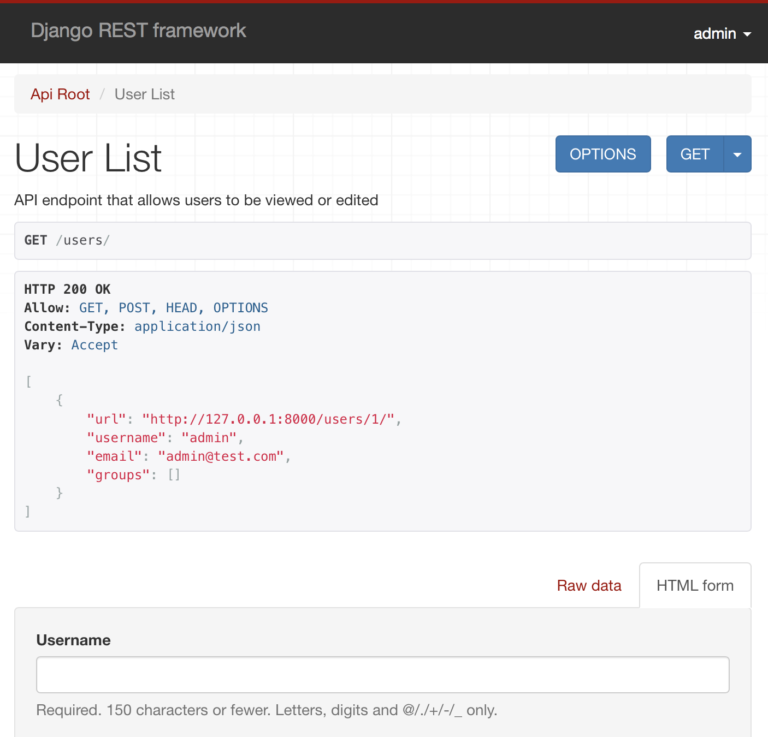
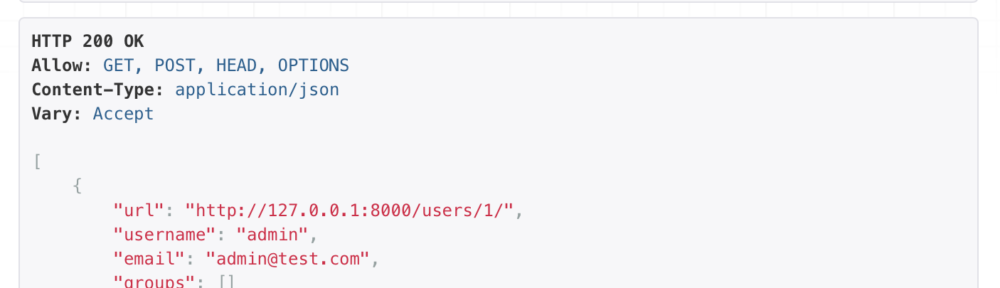
Now, test with httpie as:
$ http -a admin:abcd1234 :8000/users/
Or using the browser: http://127.0.0.1:8000/usrs/